
Go to Settings >> Configuration from the navigation bar and click Plugins.
Search for OAuth Authentication and click Manage.
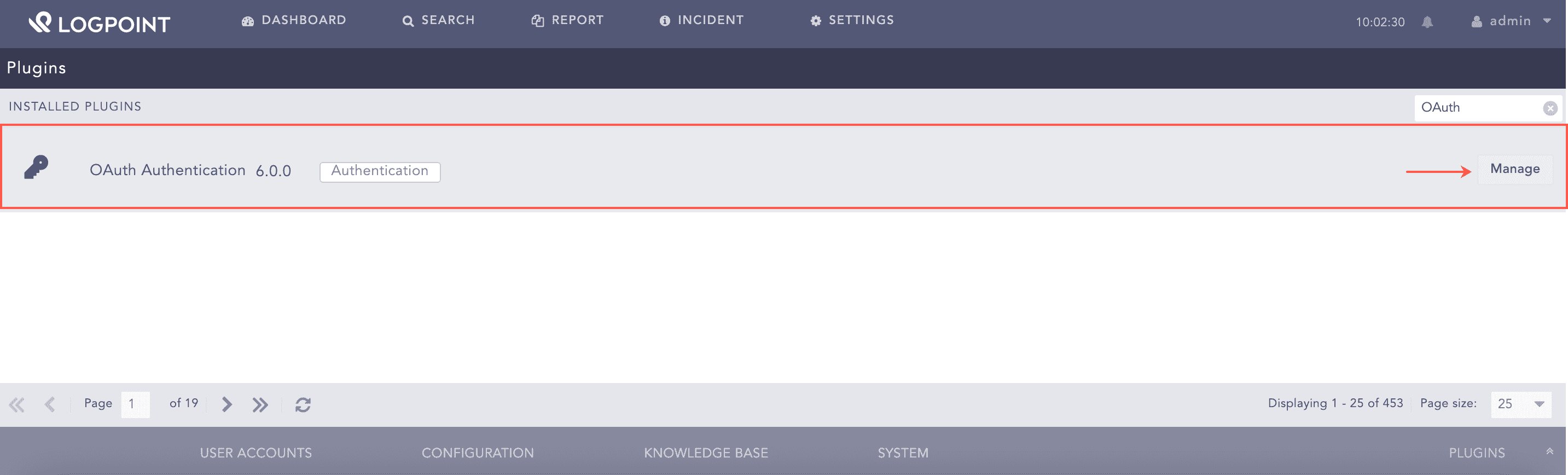
Managing OAuth Authentication
Click ADD SERVER.
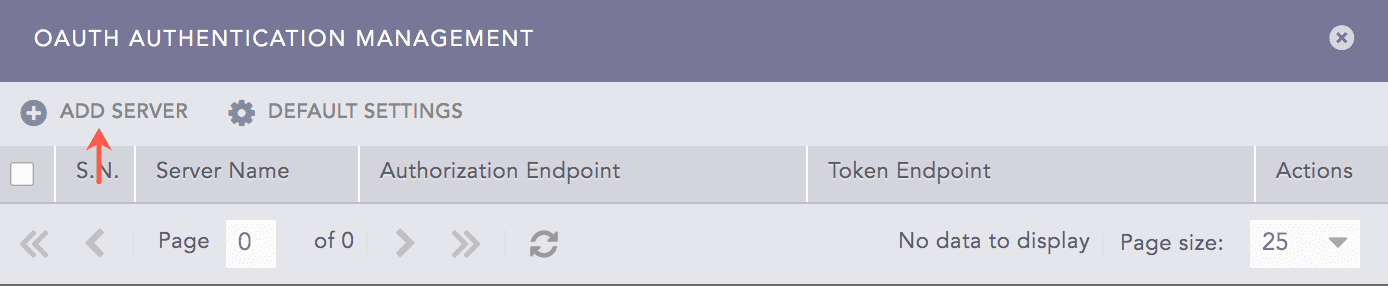
Adding an OAuth Server
Enter a unique Server Name for the OAuth server.
Enter the Client Id. It is the application ID provided by OAuth to the registered clients.
Enter the Client Secret. It is a secret password created for OAuth.
Enter the OAuth Authorization Endpoint, Token Endpoint and User Info Endpoint.
Enter the Redirect URL. It is the Logpoint URL where OAuth redirects after verifying the access token and users information.
Enter the Role Field. It is used to extract roles from the OAuth response.
Click Save.
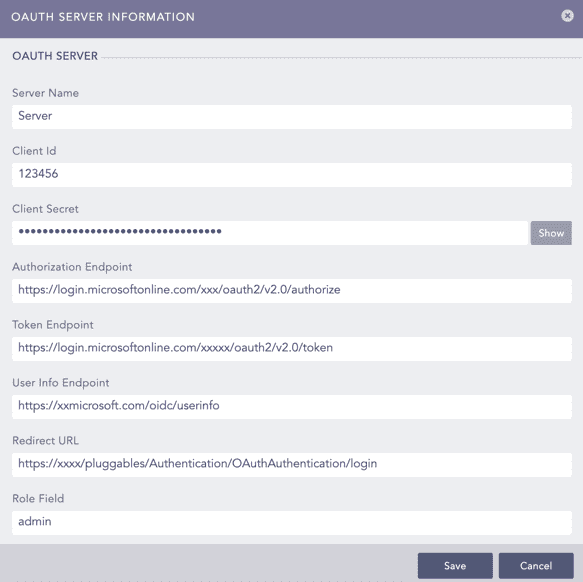
Configuring OAuth
Select a Logpoint user group as the Default Role. OAuth Authentication assigns the default user group to the OAuth users whose role are not mapped in the Mapping Roles.
Click Save. You can change the default settings from Configuring Default Settings.
Click Yes to select OAuth Authentication as the default authentication. Otherwise, click No.
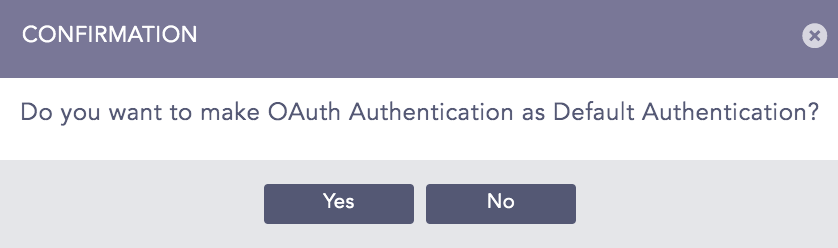
OAuth Confirmation
Note
Once you add an OAuth server, OAuth Authentication Management removes Add Server and includes Roles Mapping.
Click Default Settings in OAuth Authentication Management.
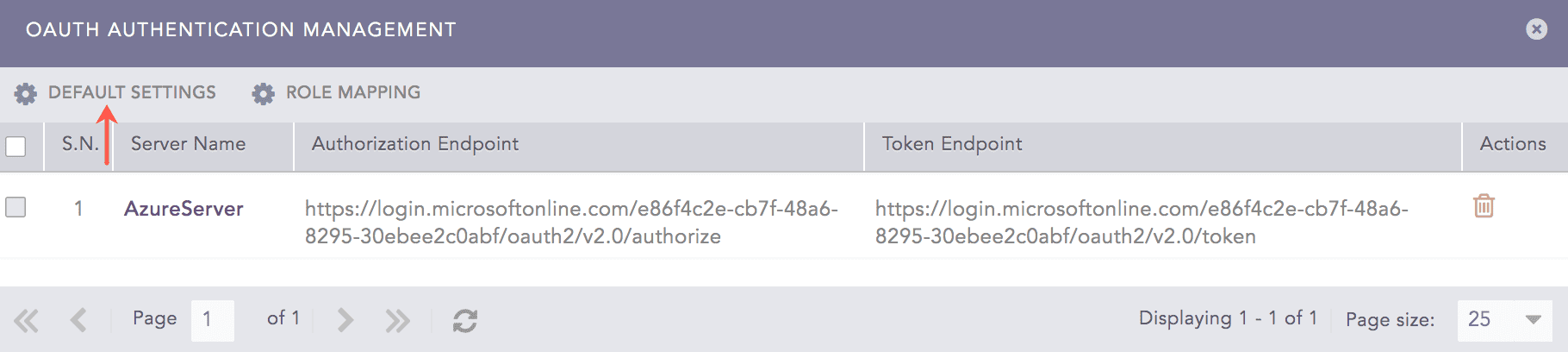
OAuth Authentication Management
Select a Logpoint user group as the Default Role.
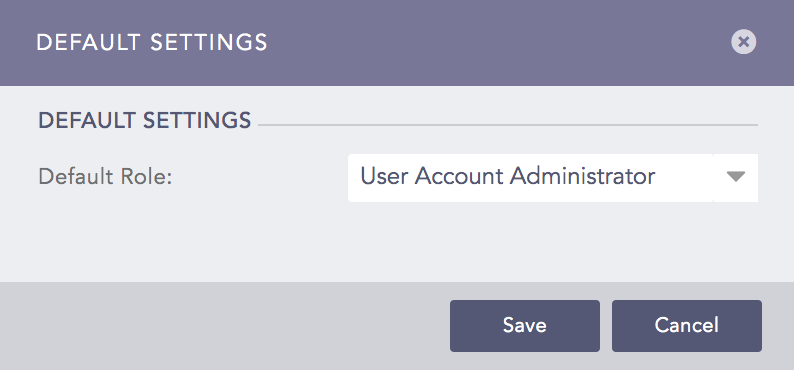
Default Settings
Click Save.
You can map an OAuth role to a Logpoint user group to define access permission in Logpoint.
Click Roles Mapping in OAuth Authentication Management.
Enter an OAuth Role.
Select a Logpoint User Group to assign to the OAuth role.
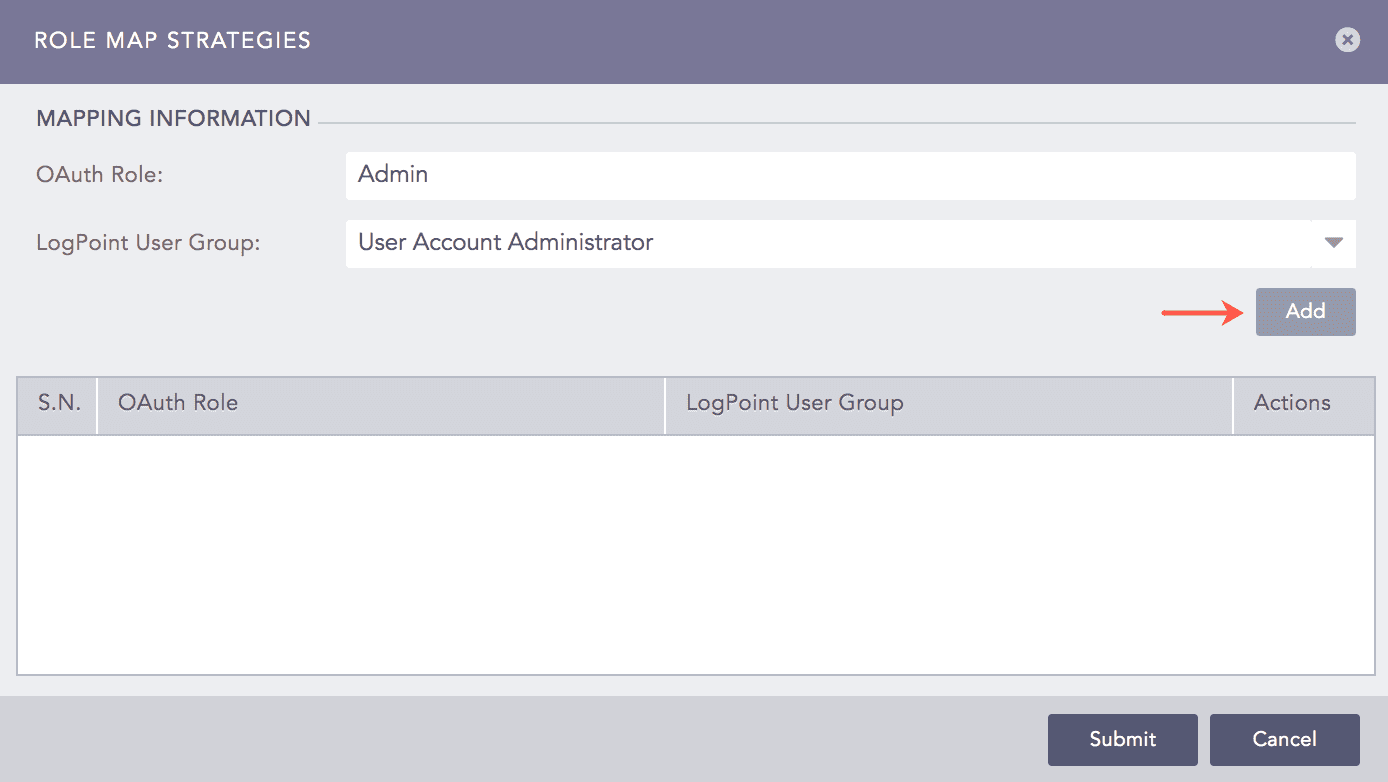
OAuth Role Mapping
Click Add.
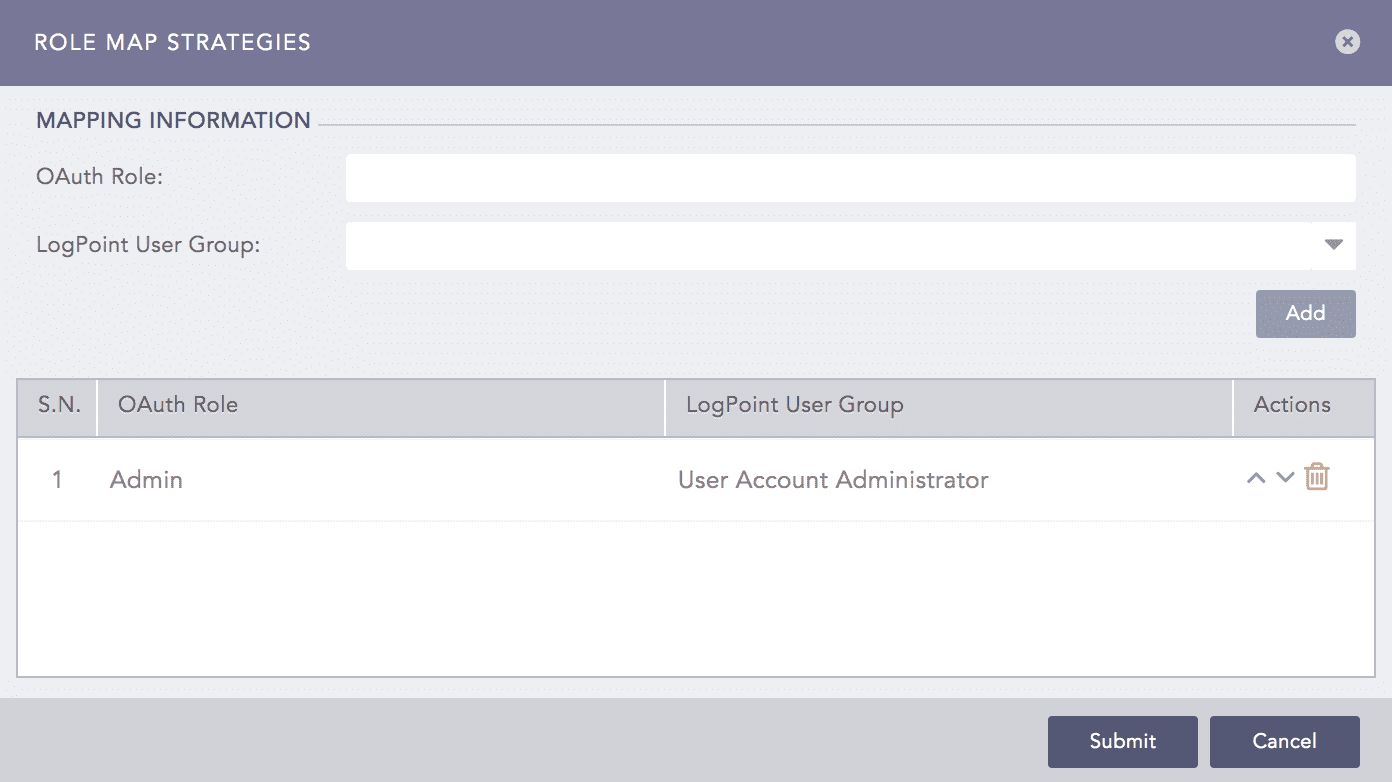
OAuth Role Mapping Added
Note
You can map an OAuth role to one Logpoint user group only.